DICOM viewer preview
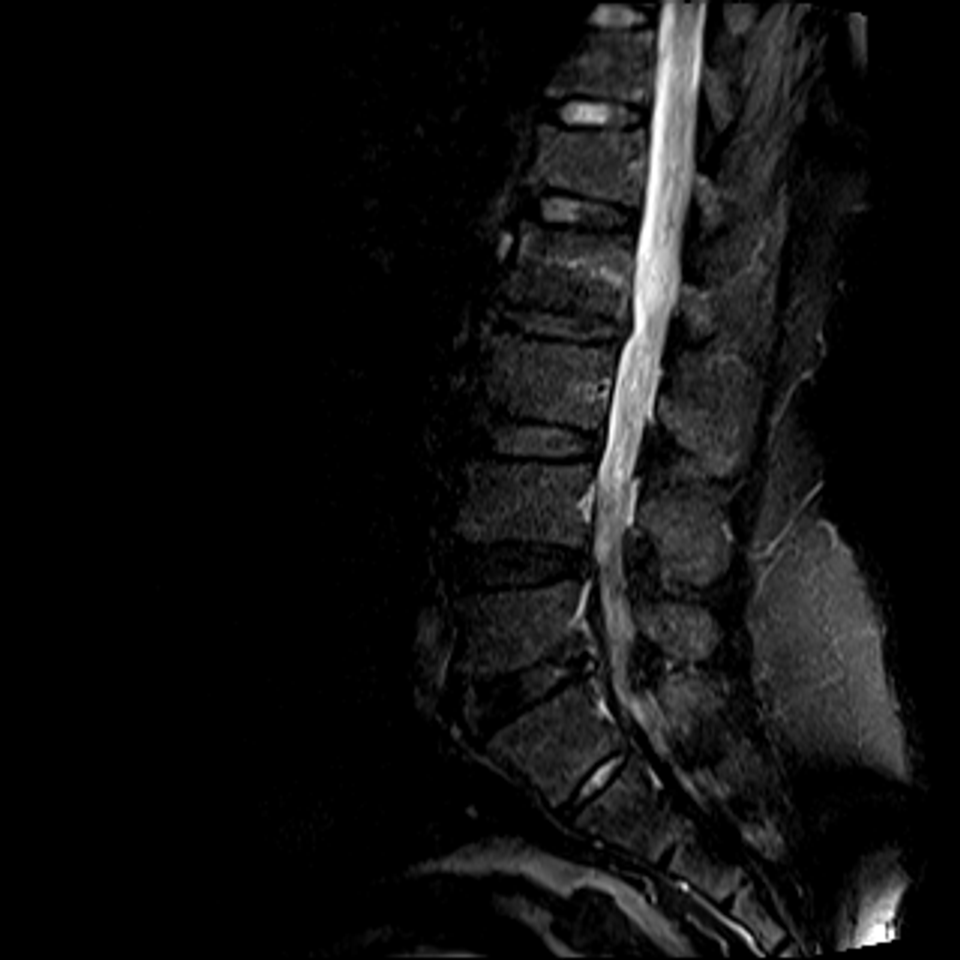
A concept of the ZAL viewer, drawn on a public lumbar MRI. The viewer is in design; voice reporting, at the workstation, is the part in clinical use today.
Request access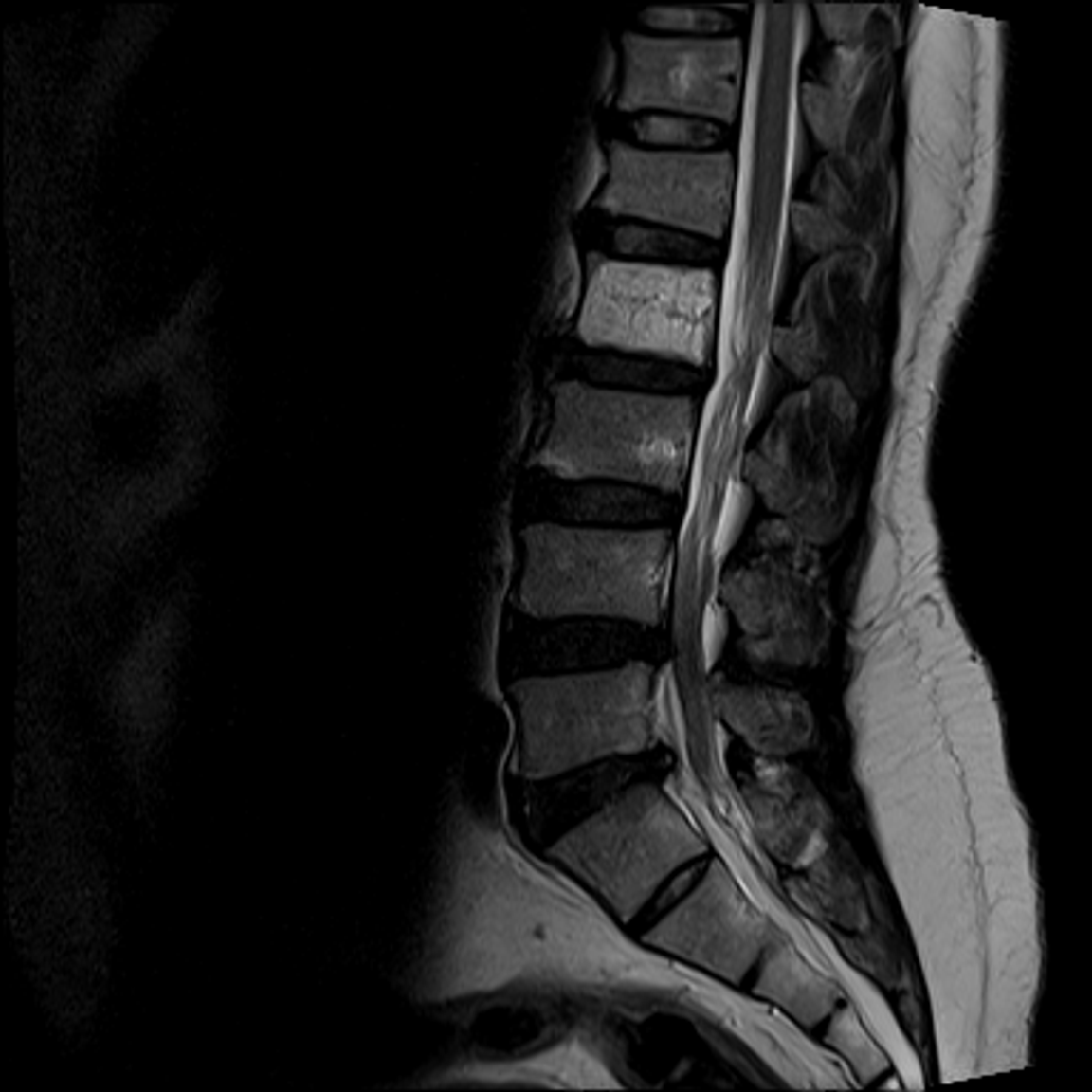
Designed around how radiologists read
In designThe viewer is in design. The first three ideas come from practicing radiologists’ requests.
Concept render · MRI: Sudirman et al. 2019, CC BY 4.0 (credit above). This public case has no prior: screen 2 shows a placeholder.
The prior on its own screen
The prior study and its report will open on the second screen, beside the new exam.
Concept render · MRI: Sudirman et al. 2019, CC BY 4.0 (credit above)
Adjust a measurement instead of redrawing it
You will drag either end, move an end one pixel with the arrow keys or type the length, and Ctrl Z will undo a change.
Concept render · MRI: Sudirman et al. 2019, CC BY 4.0 (credit above)
A ruler that stays in your hand
The length tool will stay on after each measurement until you press Esc: no trip back to the toolbar.
Concept render · MRI: Sudirman et al. 2019, CC BY 4.0 (credit above). The prior named under Comparison is a placeholder.
The report beside the images
Dictation will fill your own template beside the images, and one shortcut will insert a measurement.
Where each part stands today.
- Voice reporting: in clinical use, at the workstation. It runs at the workstation today and will ship inside the ZAL PACS.
- The viewer, the worklist, the cloud archive and the sign-in: in design.